Good work.
In black and white.
Let your crew fill out work reports on their phones, with photos and signatures. Within seconds they arrive in your office, your shared folder or the customer's inbox.
Get your crew on WerkbookFree during the first month. No credit card needed.
How it works
- 1
Tailored to the job
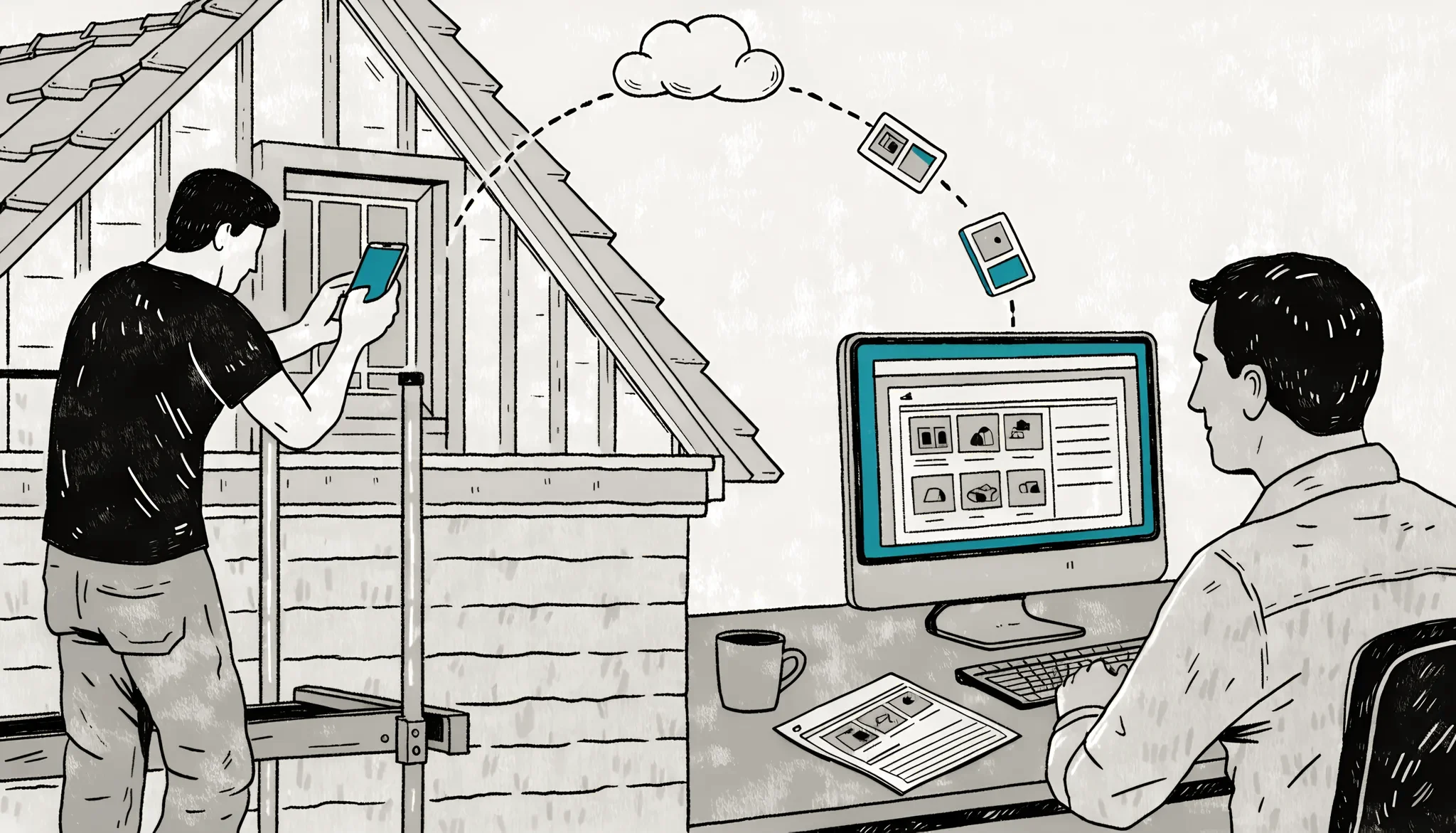
Pick a form from our template library and customize it, or start from scratch: drag fields into place or let the AI assistant build it for you.
- 2
Filled in on site
Your forms go straight to your crew's iPhones and Android devices. On site, they take photos, dictate notes and let the customer sign right on the screen. Even without signal.
- 3
Available in the office
Every report is stored safely in the cloud, stamped with name, date and reference. Find it again in seconds, download it as a PDF or forward it straight to the customer.
Built for the job site
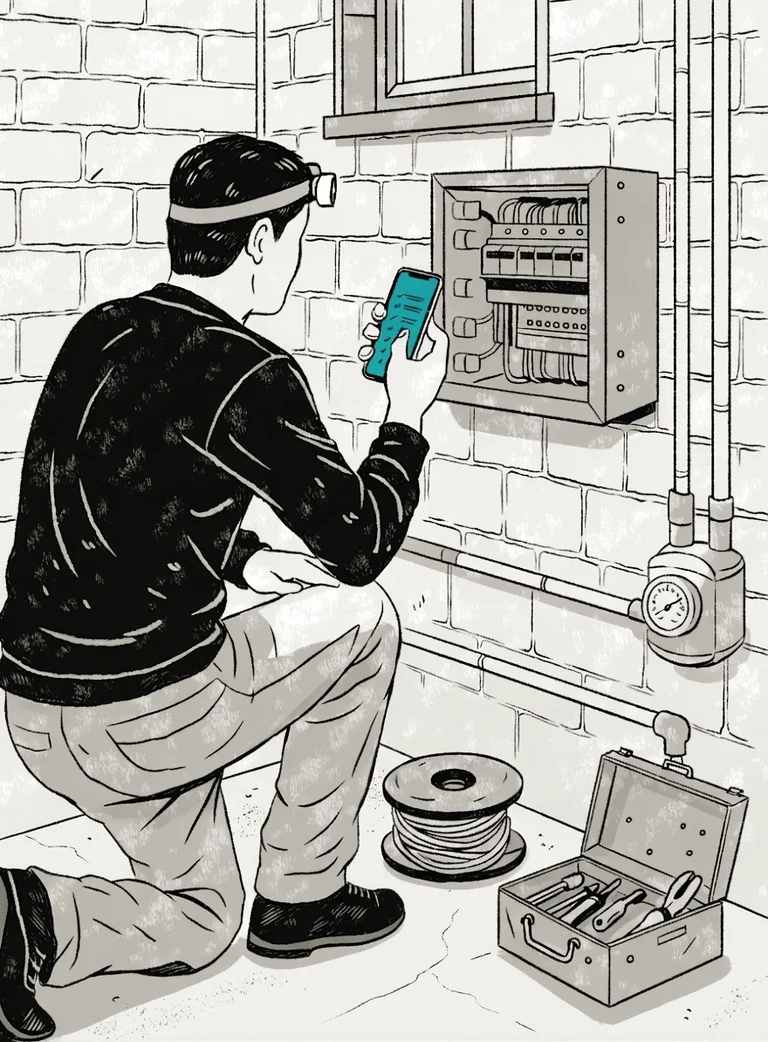
The app for iPhone and Android is made for filling in reports at a remote site, in a basement or at the warehouse.
Fast and easy to use
Native on iPhone and Android, so it's quick and works like other apps you already know.
Talk instead of type
Dictate notes straight into the text fields.
Works offline
Reports wait on the phone and upload once you're back online.
Find past reports quickly
Search and filter every report right on the phone, like last year's sign-off for this customer.


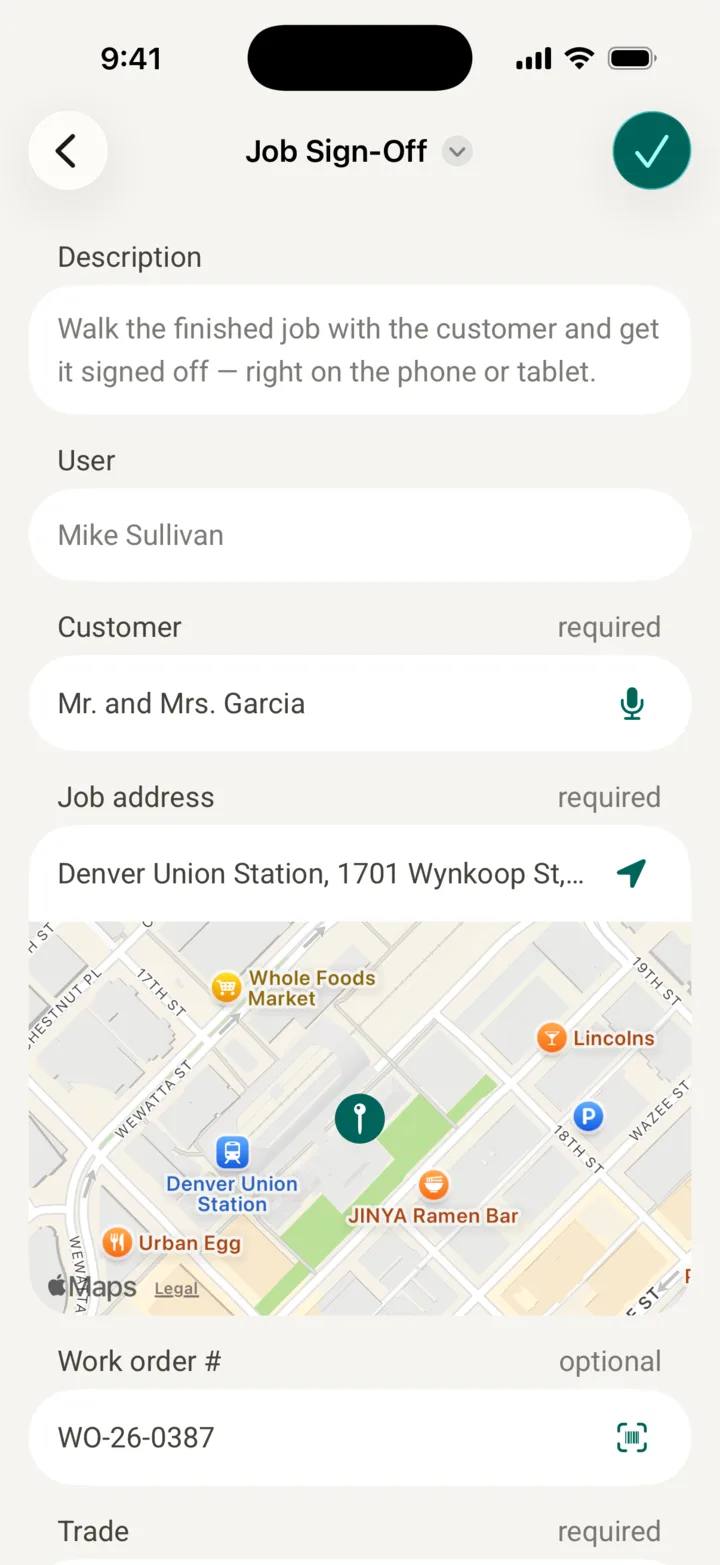
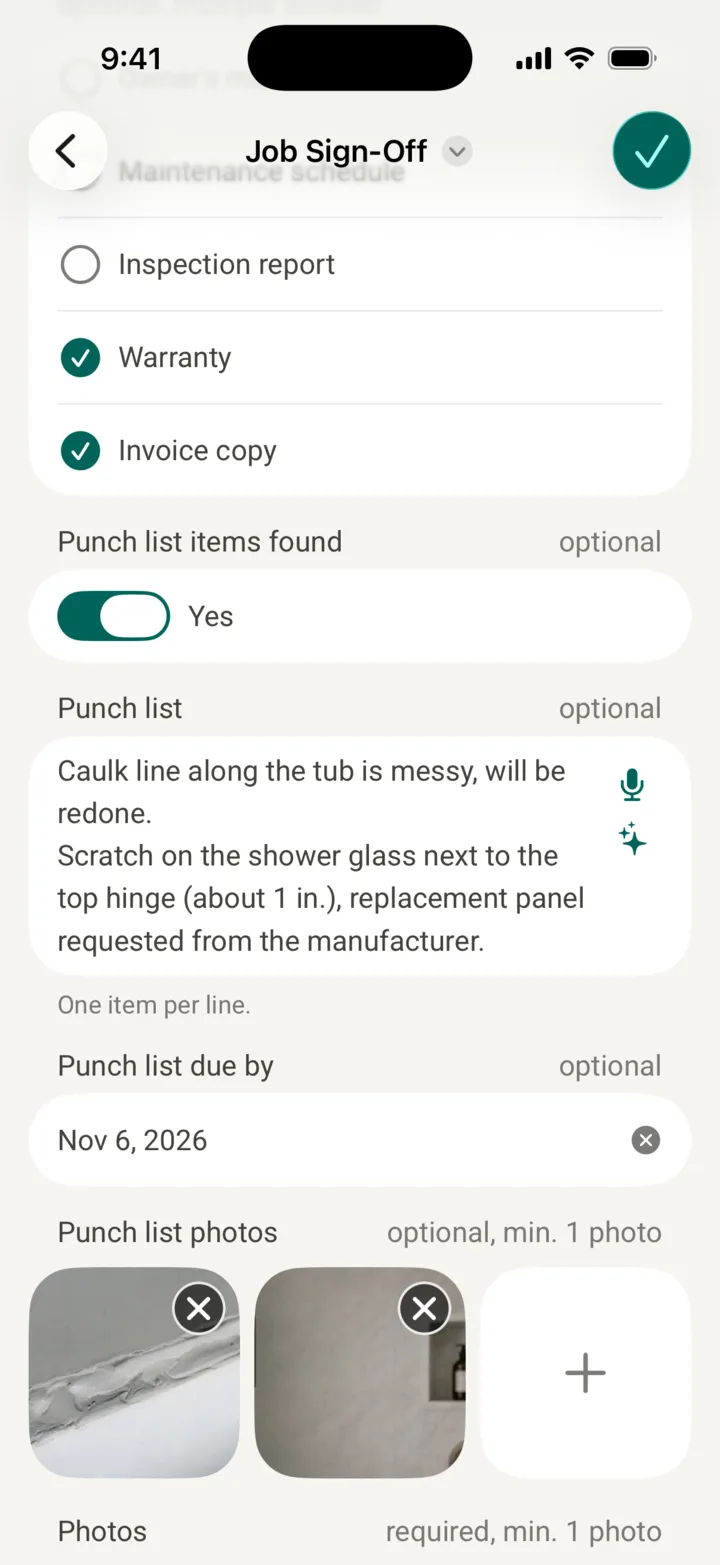
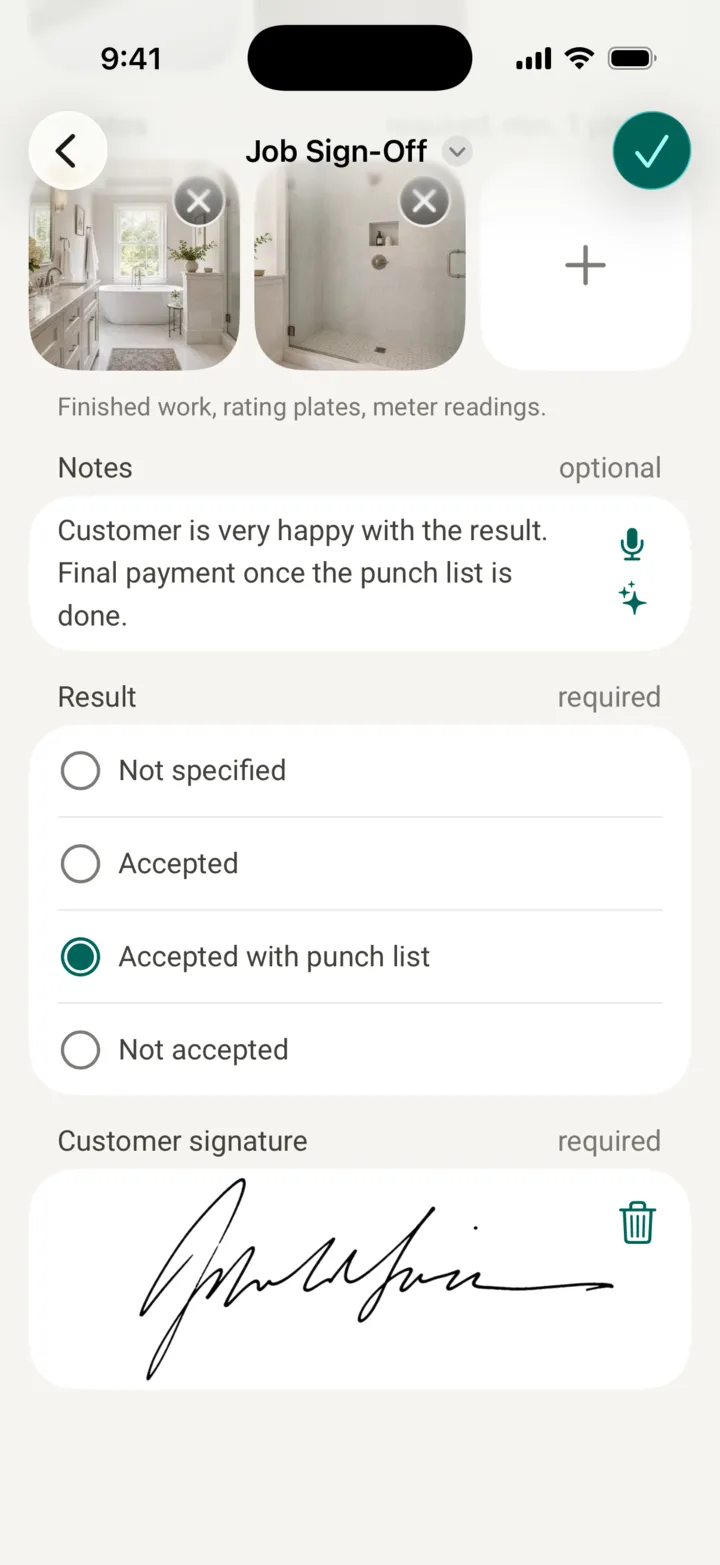
What your job sign-off could look like
Pick ready-made forms from our templates, adapt them to your needs or build your own.
What paper can't do
No retyping, no lost sheets, no digging through binders.
The right form
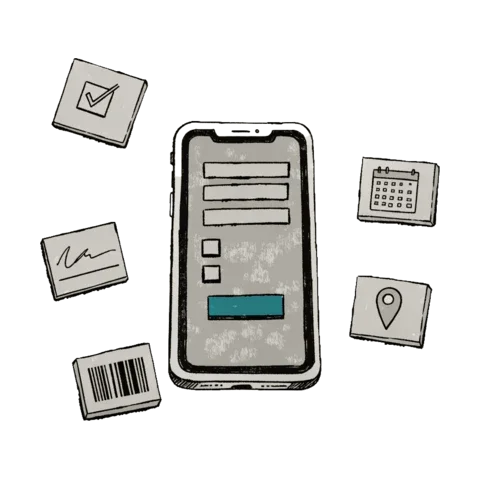
Text, checkboxes, choices, numbers, dates, signatures, barcodes and locations. Fields show up only when they apply, and form changes reach your crew when you publish them.

Photos where they belong
Take photos or pick them from the gallery, then reorder them. They stay with the report, not scattered across someone's phone.
A PDF in one click
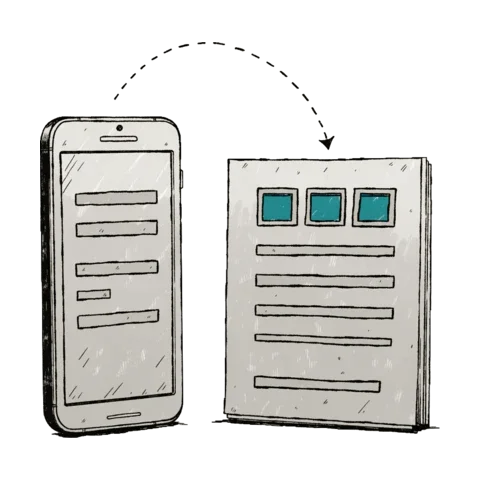
Every report turns into a clean PDF with the photos up front, in Letter or A4, or a ZIP with all the photos. Nobody types up the paper form in the evening.
Sent where it needs to go
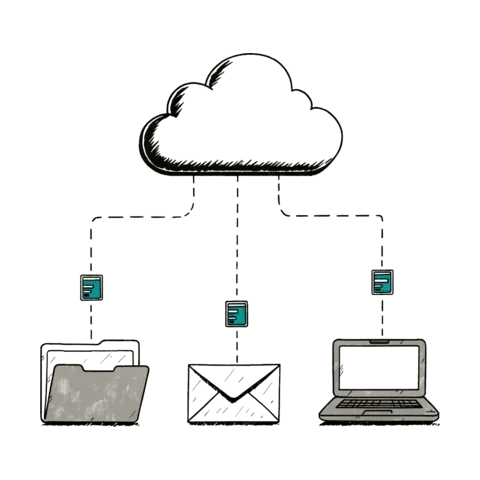
New reports go out on their own, without scanning a page: by email, to Google Drive, Dropbox or OneDrive, via SFTP or webhook. Or share a link, no account needed.

Found in seconds
Search every report and filter by project, form, person, day or answer, instead of leafing through binders. Edits are tracked, so you see who changed what and when.

The right access for everyone
Admins, workers and viewers: keep subcontractors to their projects, let customers follow along, and pair a shared tablet in the shop with a QR code.
Made for contractors and field crews
For roofers, electricians, HVAC techs, solar installers, property managers, inspectors and everyone else who documents work on site.

Job sign-offs
Walk the finished job with your customer, check off every point and collect the signature right on the phone. The PDF is ready before you've packed up.
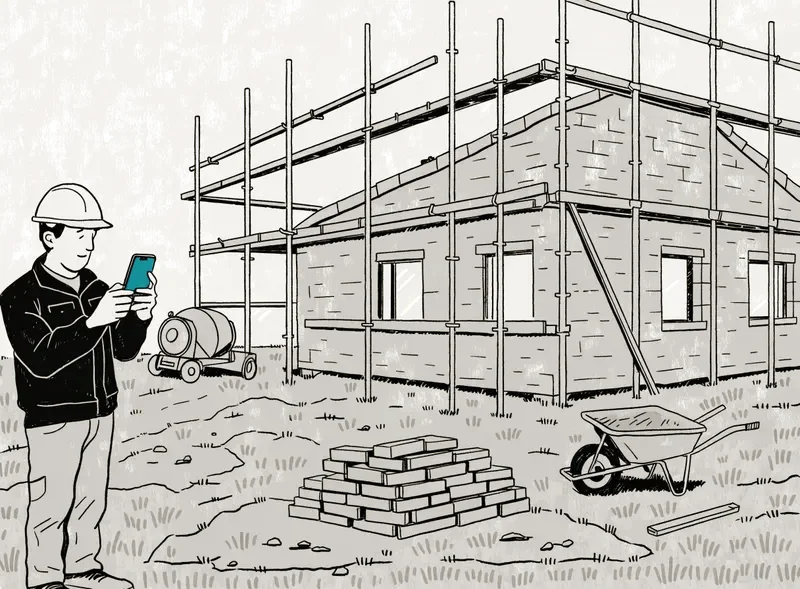
Daily reports
Log each day with photos: who was on site, what got done, what's still open. Projects keep every day of a job together.
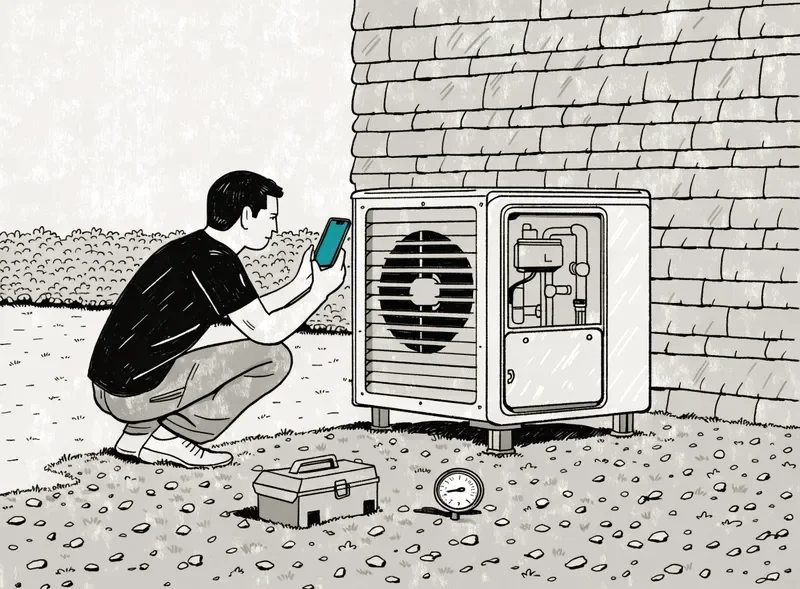
Installation and maintenance
Record every installation and service visit with readings, photos and a signature, and pull up the last visit before the next one.
Also punch lists, inspection checklists, move-in and move-out reports, damage reports, time and materials tickets and field measurements: if your crew fills it in on paper today, you can build it in Werkbook.
Pricing
After that, these plans apply. Every new account gets four weeks of every feature for free, no credit card needed. Nothing stops working when the trial ends: we'll get in touch and ask whether you'd like to continue.
Starter
For one or two people
- 2 users
- 2 forms
- 100 reports a month
- PDFs and photo downloads
Team
For small teams
- 10 users
- Unlimited forms and reports
- Integrations with Google Drive, Dropbox and Microsoft OneDrive
Business
For larger companies
- 20 users, €12 per extra user
- 20 users, $15 per extra user
- Unlimited forms and reports
- All features
- Personal support
Viewers, such as your customers, are free in every plan. Prices exclude VAT. Pay yearly and get two months free.
Questions?
Want a walkthrough, help with your first form, or to find out whether Werkbook fits your business? Just write to us below.