Job sign-off form: contents, process and template
Claude ·
In short
A job sign-off form records that the customer has inspected your finished work and accepts it: who, what, when, which items are still open and by when you'll fix them, signed before you leave. No law requires the form, but the date on it is what everything else hangs on: your invoice, the start of your warranty, and your answer when someone calls three years later about a leak.
What it's for
In residential and service work, the sign-off is the moment the job turns from "in progress" into "done and accepted". The customer confirms they walked the job with you, saw it working and accept it, apart from anything listed on the form.
In commercial construction the same moment is called substantial completion. The AIA's Certificate of Substantial Completion (G704) was, in the AIA's words, "developed to establish the date of Substantial Completion for the purpose of commencement of applicable warranties", with the punch list and the time allowed to finish it attached.
Either way, the signed date is the trigger:
- Payment. Most contracts make the final payment due on completion or acceptance. The sign-off proves the day has come.
- Warranty. Your warranty runs from the completion date. Put the terms on the quote and the invoice; the sign-off fixes the start.
- Lien deadlines. In many states the deadline to file a mechanics lien runs from completion, and the periods differ from state to state.
- Later disputes. Photos and a signature from the day you left show the condition the customer accepted.
What goes on the form
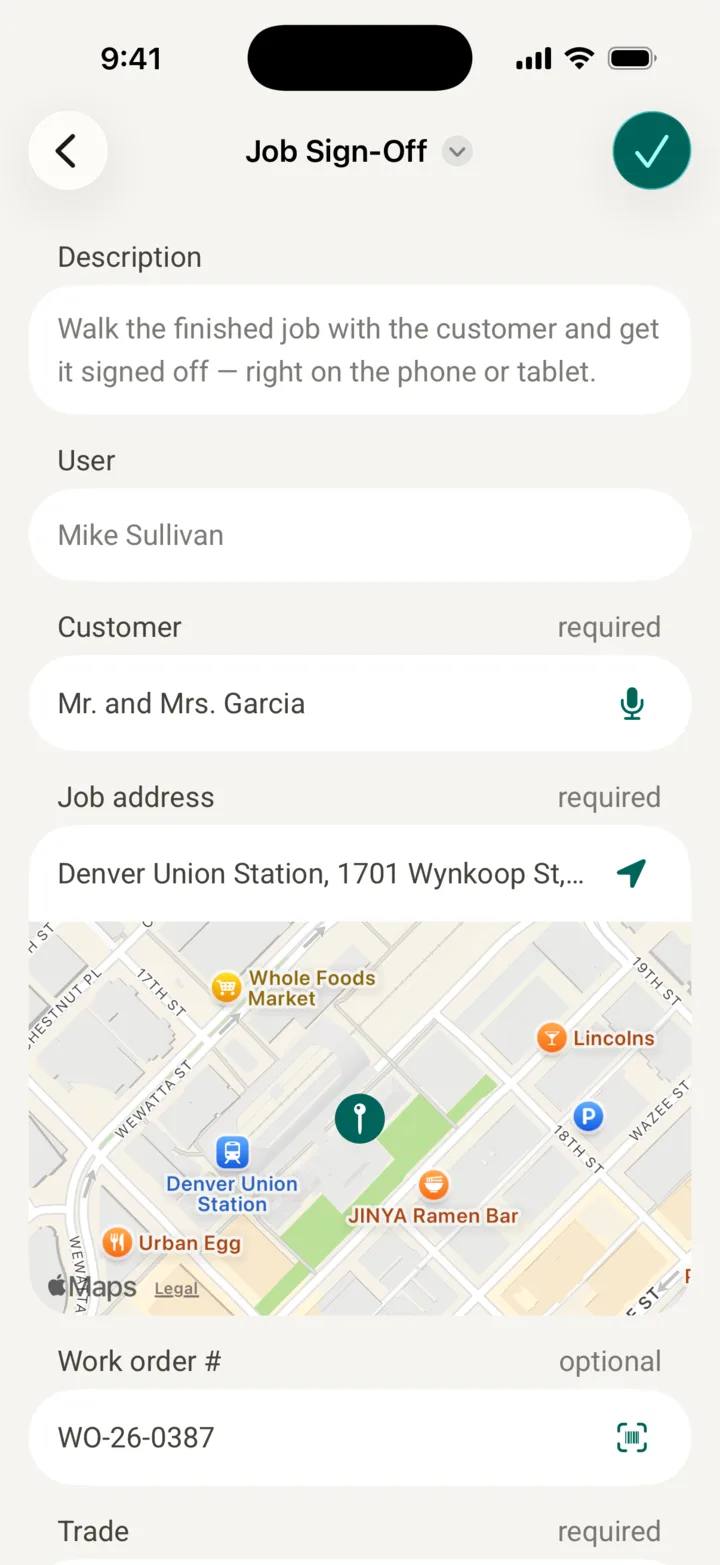
- Customer, job address and work order number, so the sign-off, the quote and the invoice line up.
- Trade and work performed: what is being accepted, in bullet points. For a phased job: which phase.
- Serial numbers of the equipment you installed, for warranty claims and service calls.
- Completion date: the day the clocks start.
- Walkthrough and handover: whether you showed the customer how it works, and what they received, such as the owner's manual or inspection report.
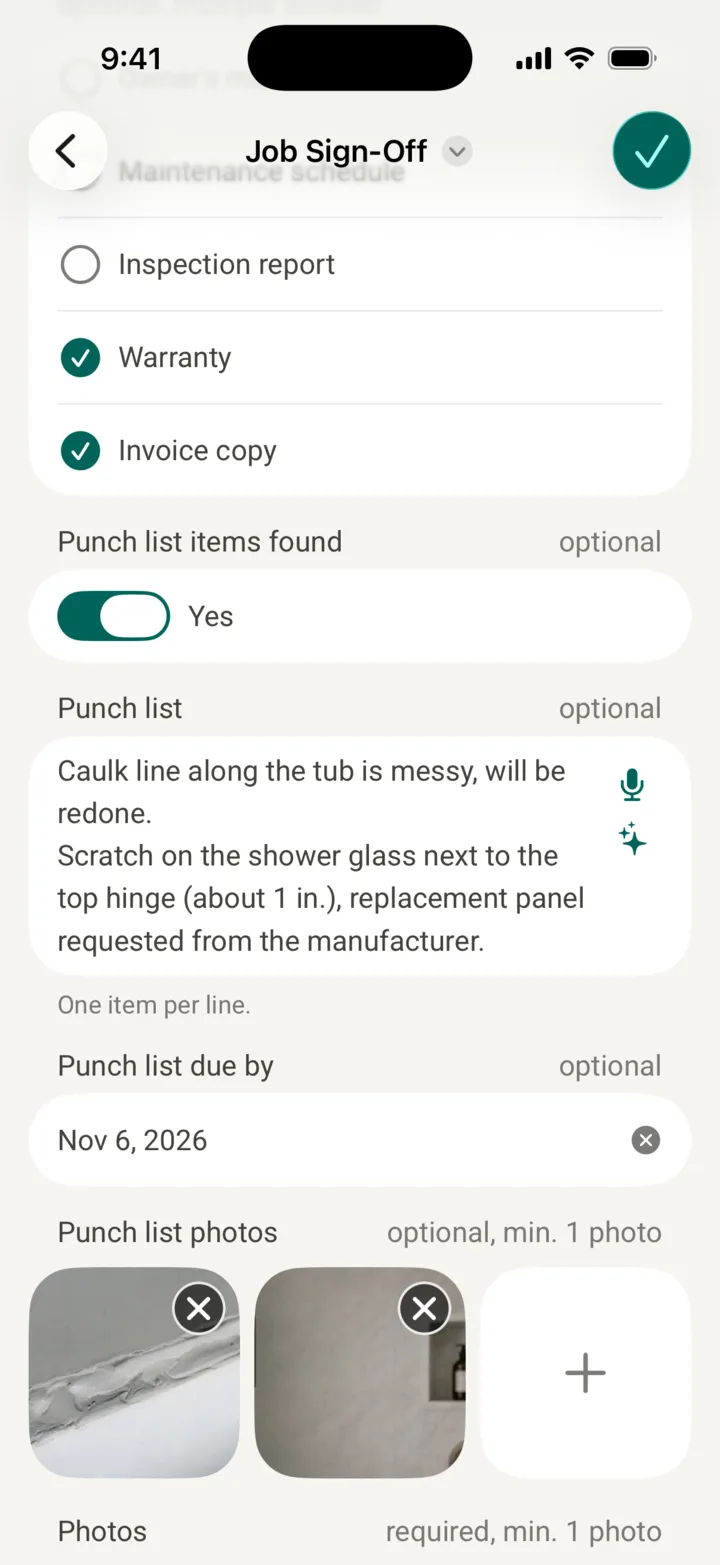
- Punch list: every open item on its own line, with a photo and a due date.
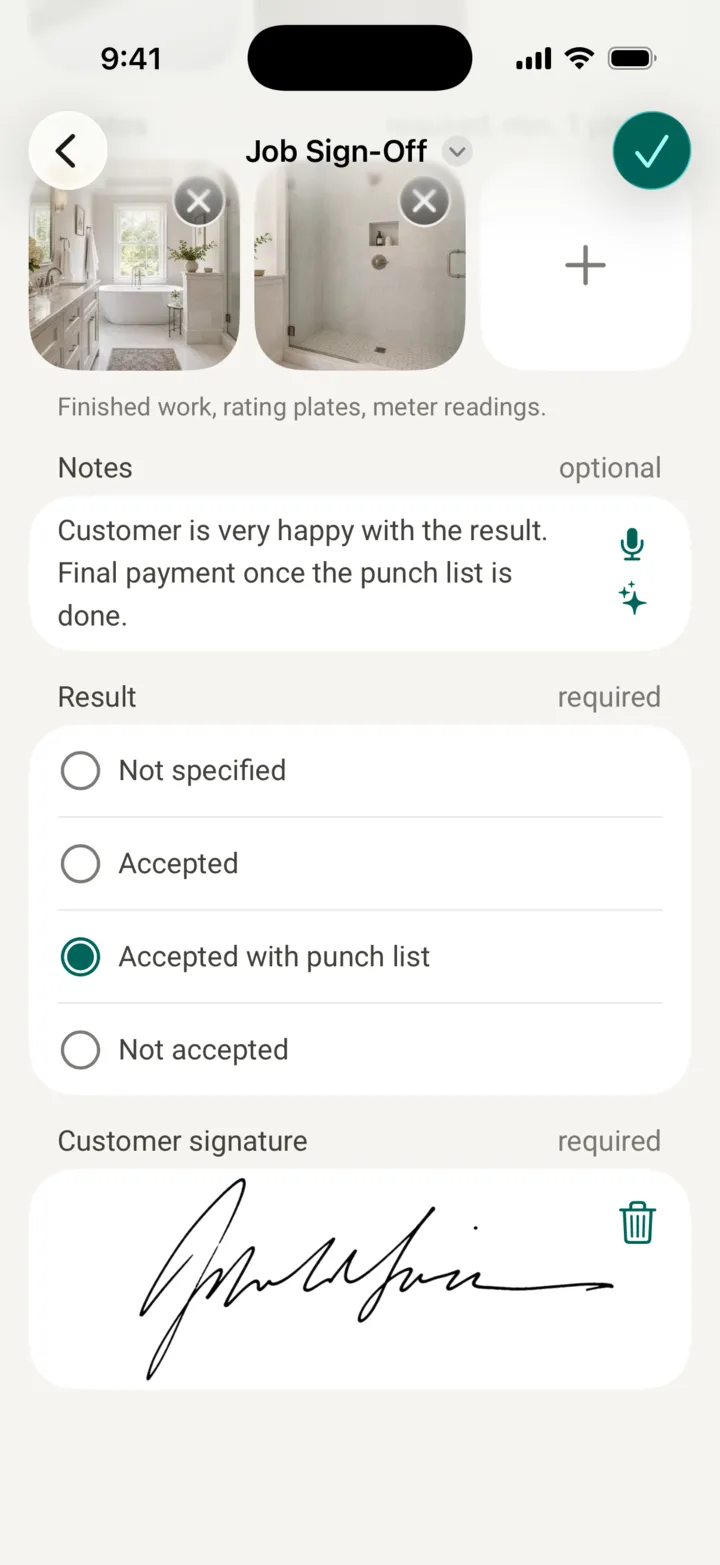
- Photos of the finished work: the condition at handover, rating plates, meter readings.
- Notes: anything the customer wants on record, anything you don't accept as yours, the follow-up appointment.
- Result: accepted, accepted with punch list, or not accepted.
- Signatures of customer and technician, with date and time.
On site
- Say the job is done and set the walkthrough, ideally the same day you finish, while your crew is still there.
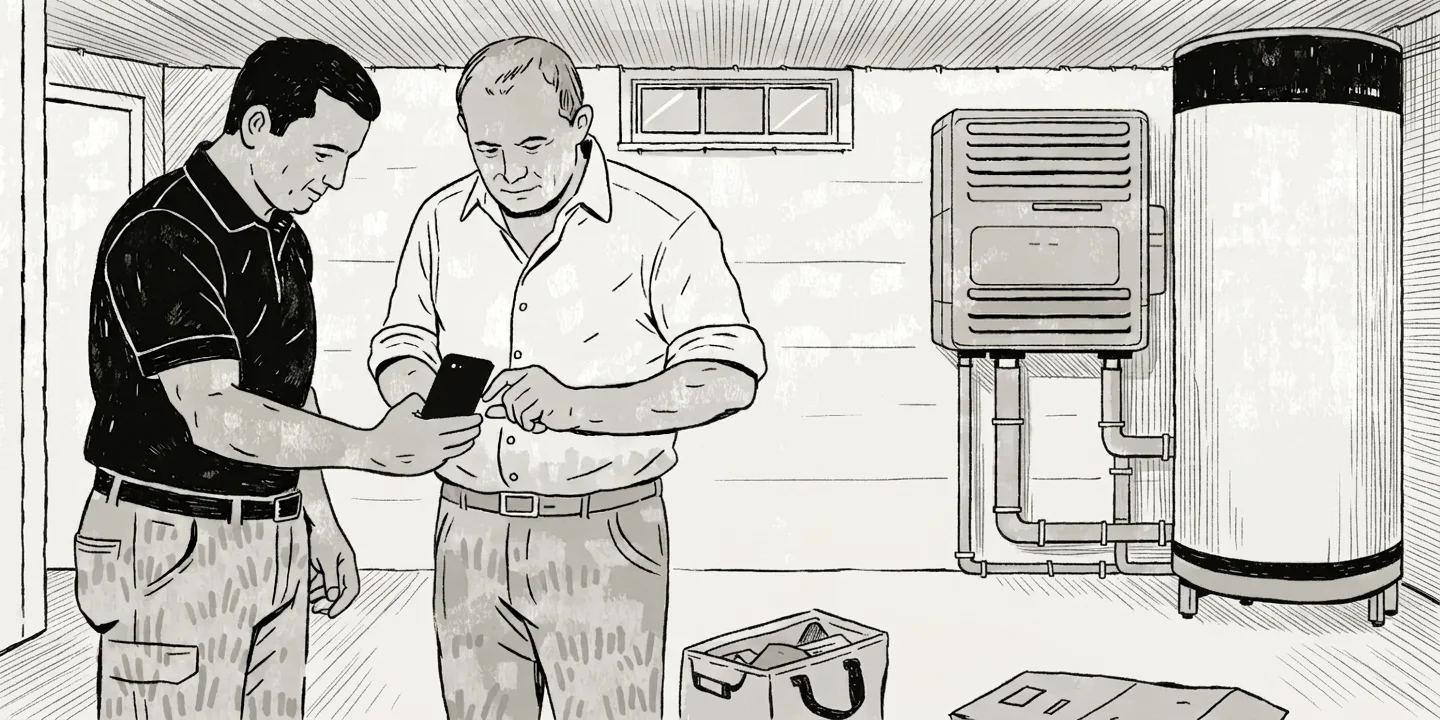
- Walk the job together. Show what was done and run it: the furnace fires, the window locks, the breaker holds. Explain how to operate it.
- Write down every open item, one line each, precise enough that a colleague finds it without asking, with a photo and a date. If you don't agree it's your item, say so in the notes rather than arguing.
- Record the result and sign, right there, while everyone is standing in front of the work. The customer gets the PDF, the office gets the PDF.
- Afterwards: invoice, close the punch list by the dates you promised, and document the follow-up visit the same way.
Two examples:
- HVAC: the heat pump runs through a test cycle, the technician photographs the rating plate and the thermostat, shows the homeowner the settings and checks off the owner's manual. The homeowner signs in the utility room on the technician's phone.
- Windows and doors: every sash gets opened and locked. A scratch in one pane goes on the punch list with a photo and a date for the glass replacement. Accepted with punch list, the balance gets invoiced.
Common mistakes
- Vague punch list items. "Adjust window" helps nobody four weeks later. Which window, what exactly, with a photo.
- No dates on the punch list. An open item without a date never closes, and the customer holds the final payment while it's open.
- Invoicing before the walkthrough. If payment is due on acceptance, an invoice sent before the sign-off is one the customer can sit on. Walk the job, then bill.
- No photos. The form says the customer accepted the work on this date. The photos show what it looked like on that date. One without the other is half a record.
FAQ
When should the customer sign?
Before you leave, right after the walkthrough. A form sent the next day gets signed next week, or not at all, and by then the customer has found three more things.
Is a sign-off a warranty?
No. It records that the work was completed and accepted on a given date. Your warranty terms belong on the quote and the invoice; the sign-off gives them their start date.
Can the customer sign on a phone or tablet?
Yes. Under the federal E-SIGN Act, a signature or contract "may not be denied legal effect, validity, or enforceability solely because it is in electronic form" (15 U.S.C. § 7001). State laws add their own rules, so if your contract or your state requires a particular form, check first.
What if the customer won't sign?
Ask what's missing and put it on the punch list with a date: most refusals are about open items, and "accepted with punch list" solves them. If the customer still won't sign, write down the refusal and the reasons, take your photos, send the report anyway, and check what your contract says about completion. Beyond that, talk to a construction attorney in your state.
Is a sign-off the same as substantial completion?
On a residential or service job, the sign-off is the record of completion. On a commercial project the contract decides: under AIA contracts, the architect certifies substantial completion on the G704, and your sign-off sits alongside it.
Sources
- Summary: G704–2017, Certificate of Substantial Completion, AIA Contract Documents, read November 3, 2026
- 15 U.S.C. § 7001, General rule of validity (E-SIGN Act), Legal Information Institute, Cornell Law School, read November 3, 2026